 Space Command
Triage lists
A triage list is a list of things to sort, such as requests from testers or a session's findings. Each item gets three choices:
- Plan adds it to the project's plan, in a phase named for the list.
- Later adds it under Future in the plan.
- Drop sets it aside.
A list can come from a copy, on the Clipboard tab, or from a file, on the Tasks tab. A recommendation is outlined in Sage, but nothing is picked for you.
Sorting an item
To sort an item:
- Find the item in its list.
- Click Plan, Later, or Drop.
The choice is written at once, as a tick is, and ⌘Z takes it back. The item then folds to one faint line saying where it went. Click that line to open it again and change your mind.
Plan and Later write to the PLAN.md of the project the list belongs to:
- Plan puts the item in a phase named for the list's title, such as "Phase 25 · Beta requests", made after the plan's last phase the first time. A plan whose phases aren't numbered gets "## Beta requests" instead, after its last section and before Future. The rest of the list's planned items join the same phase.
- Later puts the item under
## Future, which is made at the end of the plan when it's missing.
Either way, the item goes in as an open task, such as - [ ] Snooze a feeding for an hour.
From a copy
A Claude session, or any app, can hand you a list to sort as a copy. The copy starts with a ␣⌘ Triage line, then a # Title line naming the list, then one numbered item a line:
␣⌘ Triage · commander · 2026-10-29 · in starter-timer
# Beta requests
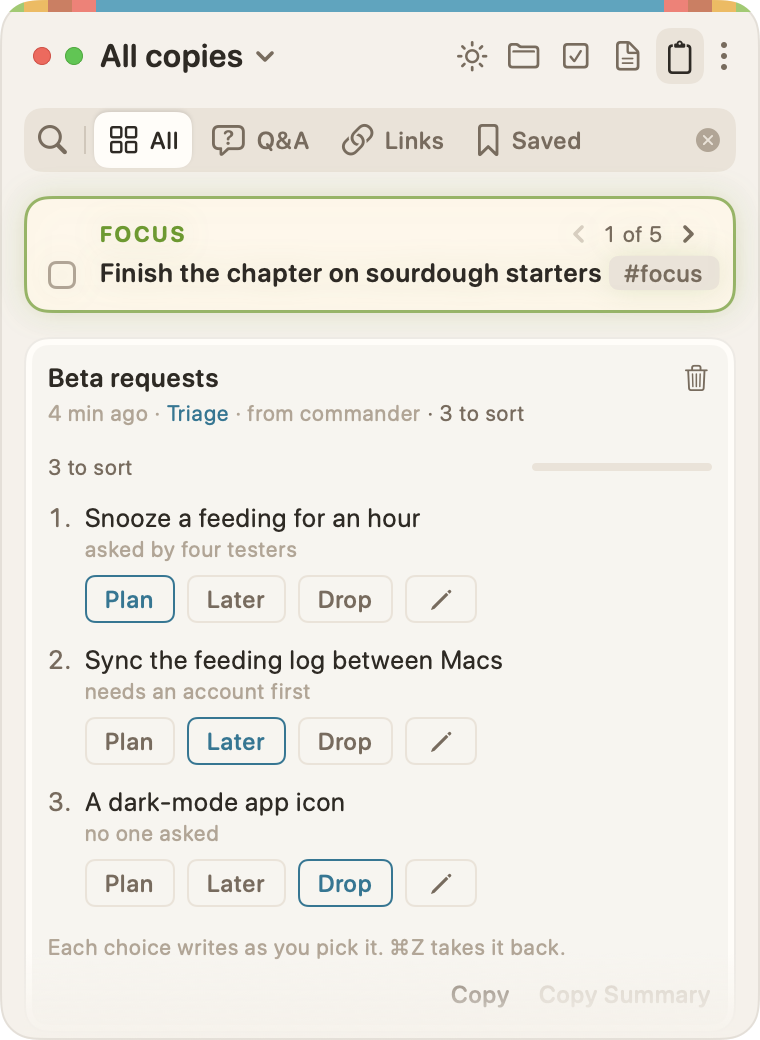
1. Snooze a feeding for an hour (asked by four testers; recommended: plan)
2. Sync the feeding log between Macs (needs an account; recommended: later)
3. A dark-mode app icon (no one asked)
Each item's words in brackets are its reason. A recommended: plan, later, or drop at their end outlines that choice. The in <scope> at the end of the first line names the project, as for any copy (see Naming a copy's place).
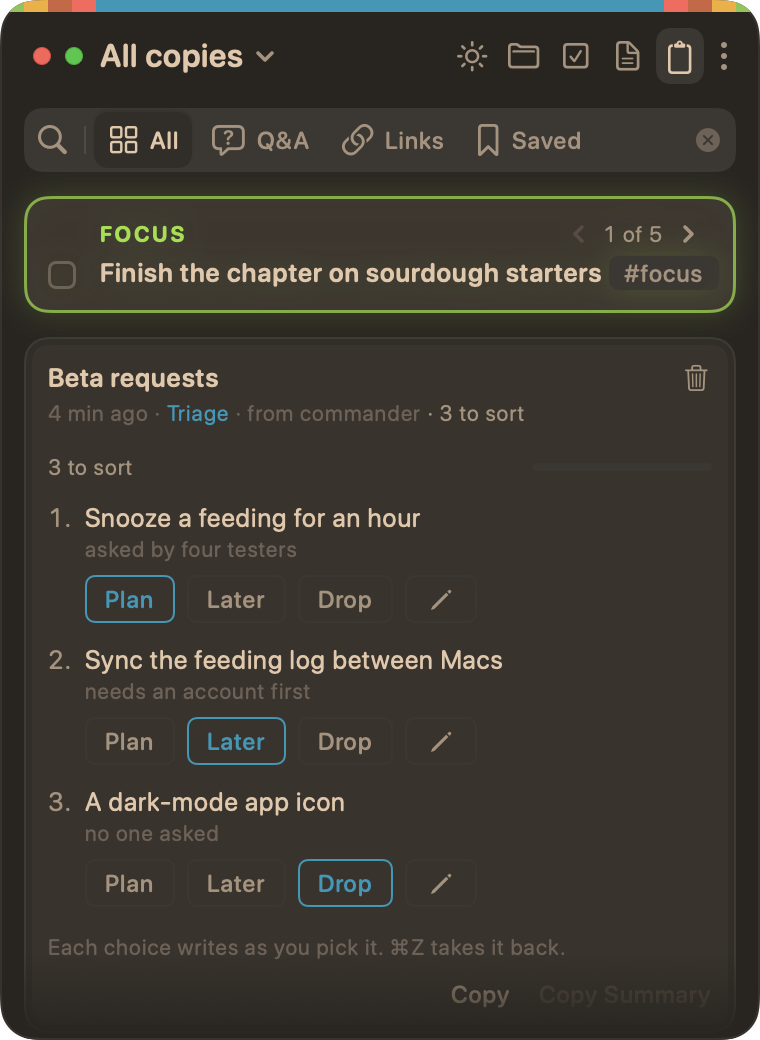
On the Clipboard tab, the copy shows under its title, with who sent it and how many are left to sort, such as "3 to sort". Each item has its reason under it, then Plan, Later, and Drop.
From a copy:
- Drop writes nothing.
- The pencil beside an item adds a note to it. Notes stay on the copy.
- Copy Summary, on the copy's right-click menu, copies your choices as lines such as "1. Plan", with any note after a comma, to paste back to the session.
A copy with no project to file under says "Not filed under a project yet, for Plan and Later:". Click File Under… to pick one. Once something is written, the copy stays with that project. Until then, Move… picks another.
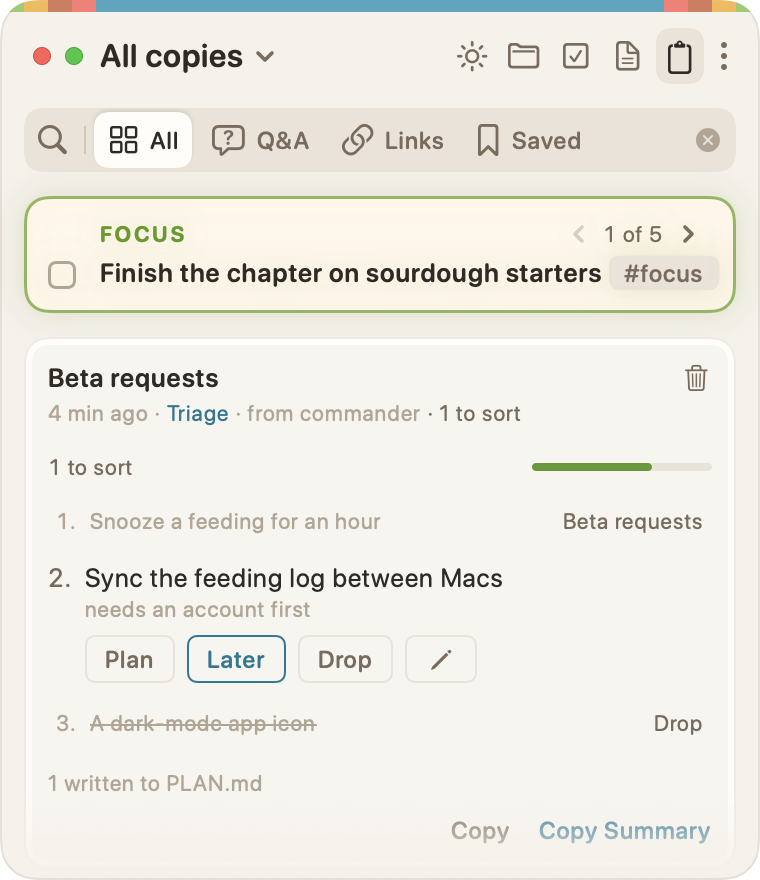
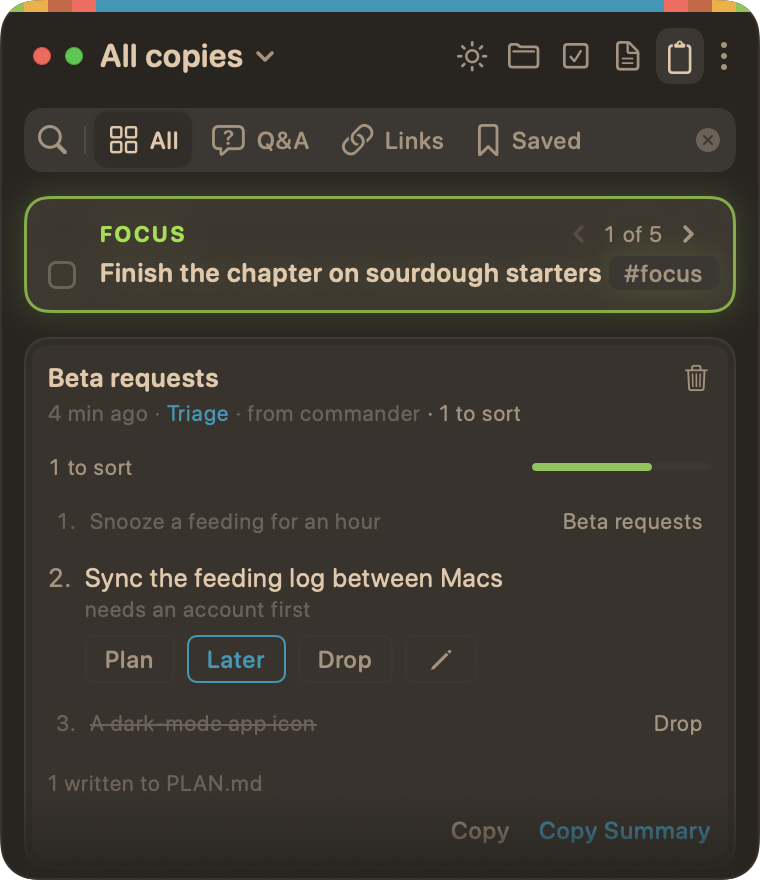
Once every item is sorted, the copy rolls off on the Clipboard's usual delay, as an old copy does. A copy with items still to sort stays (see Squashing copies). On the Clipboard tab, ⌘Z undoes your newest choice first.
From a file
In a Markdown file, a heading tagged #triage makes the lines under it a list to sort:
## Beta requests #triage

- Snooze a feeding for an hour
- Sync the feeding log between Macs
- A dark-mode app icon
A #triage line of its own, or #triage at the end of the # title, makes the whole file a list. The list's items are its plain bullets and its checkbox lines, at the left margin. A bullet indented under one is a note on it, not an item.
Triage lists in files show on the Tasks tab, under their project, never on Today. PLAN.md, TODO.md, and the other task files don't read #triage.
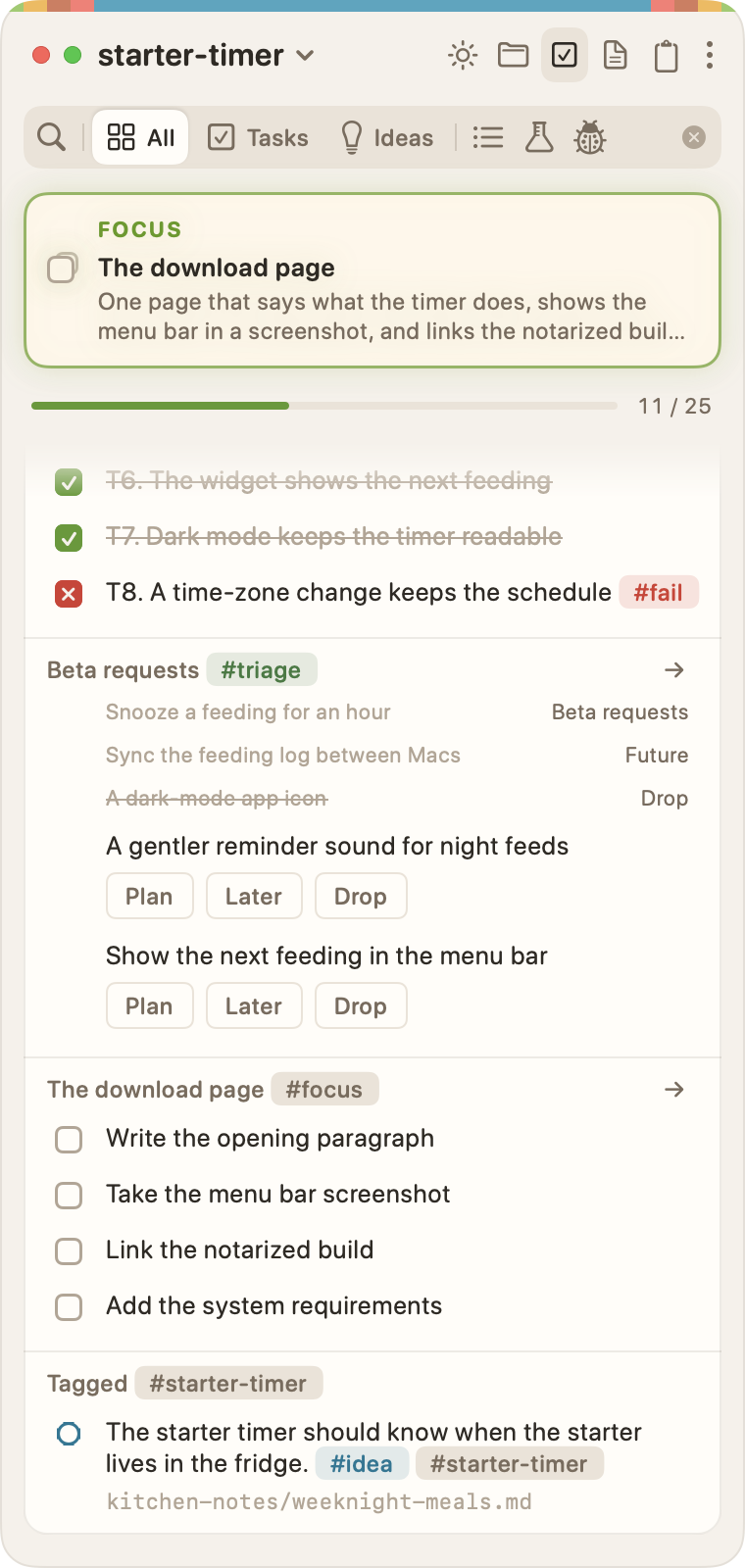
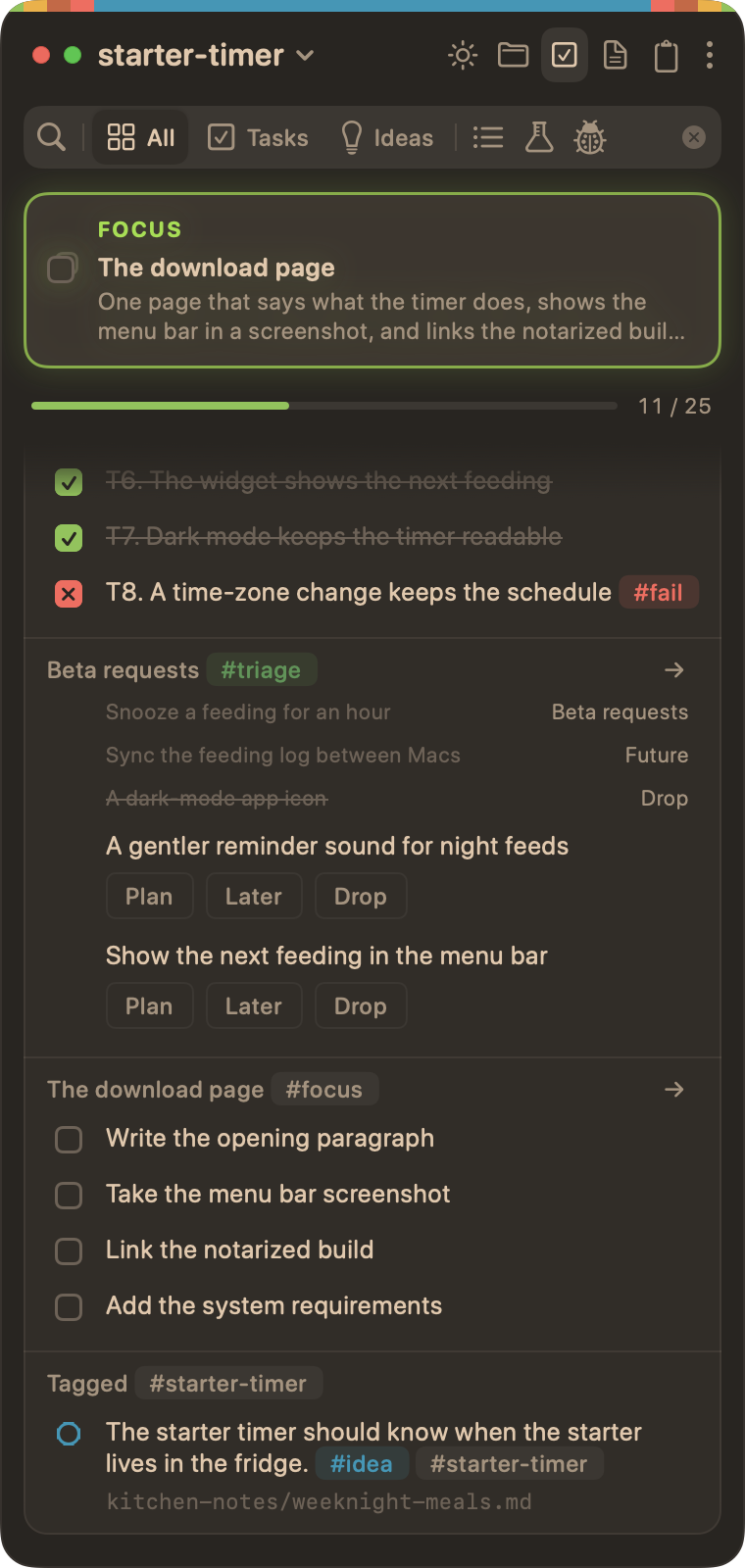
A sorted line is copied into the plan, not moved, so the list keeps its record of what you decided:
- A planned line ends with where it went, such as
→ Phase 25or→ Beta requests. - A line sent to Future ends with
→ Future. - A dropped line is struck through, as
~~A dark-mode app icon~~.
You can type those yourself, too. On a #triage line, a final → followed by capitalised words reads as a record, so "Convert Celsius → Fahrenheit" reads as already sorted. Write "to" instead of the arrow to keep it open.
Clearing sorted lines
Squash Done, on the section's right-click menu or the ⋮, clears a list's sorted lines from view, as it clears finished tasks. Your file isn't changed. They also roll off on their own after the delay in Settings › Tasks › Today › Squash done tasks (see Finished tasks).
The notice counts them, such as "Squashed 2 done tasks and 3 sorted lines", with Undo.